How AI (Artificial Intelligence) Helps Users Create Websites or Funnels in KeaBuilder
KeaBuilder isn’t just another website and funnel builder — it’s an AI-powered creation platform designed to make your building process smarter, faster, and more intuitive.
With its built-in Ask Kea feature, you can interact directly with an intelligent AI assistant that provides real-time, step-by-step guidance on how to create websites, funnels, automation flows, and more — all through a simple chat interface.
Whether you’re a first-time user or an experienced creator, Kea AI helps you brainstorm ideas, clarify concepts, and implement personalized strategies — making it your go-to partner for achieving digital success.
Step-by-Step Guide
Login to KeaBuilder
Start by logging into your KeaBuilder account using your registered credentials.
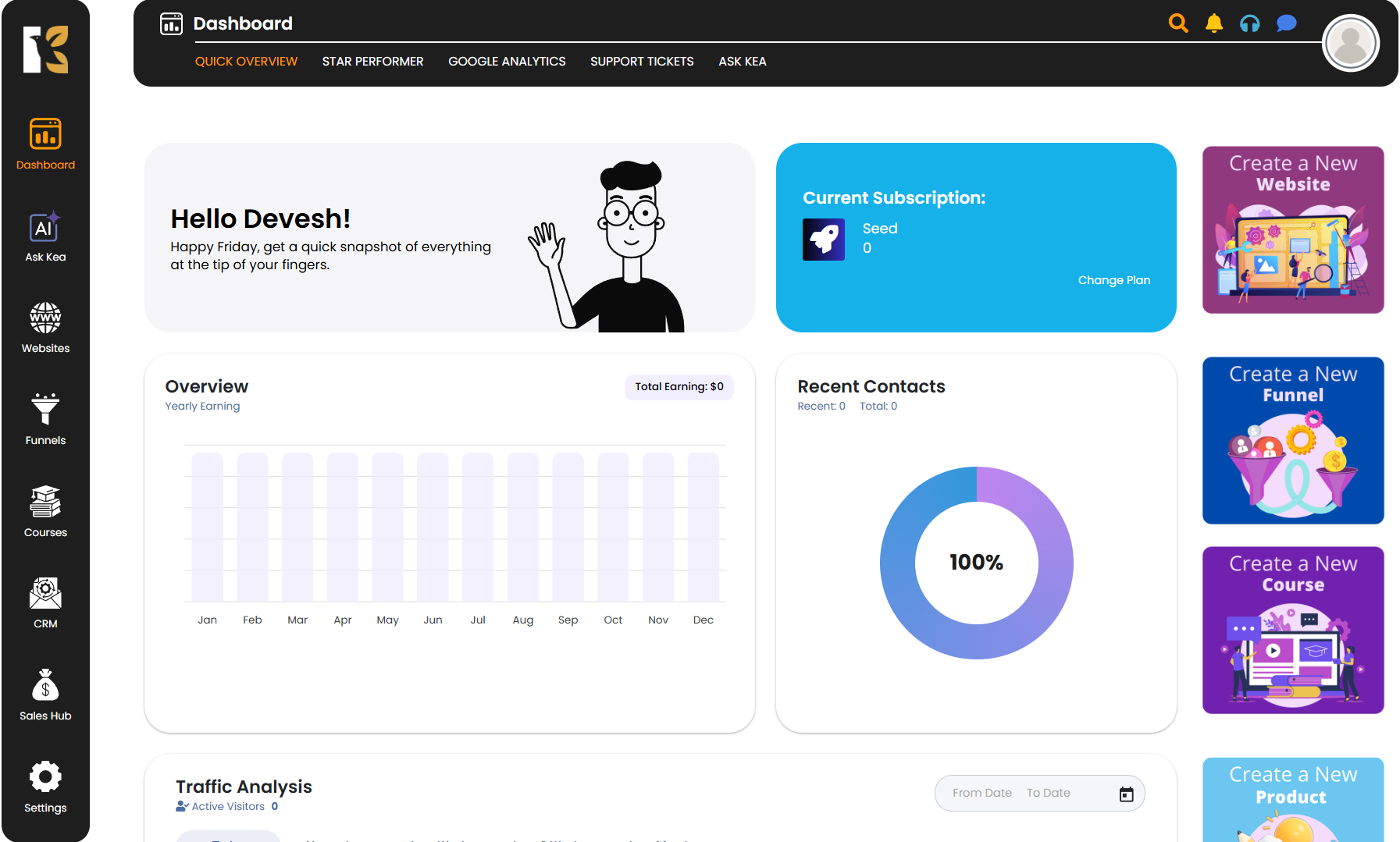
Once logged in, you’ll automatically land on the Main Dashboard, where you can access all tools, analytics, and project shortcuts.
Access the Ask Kea Section
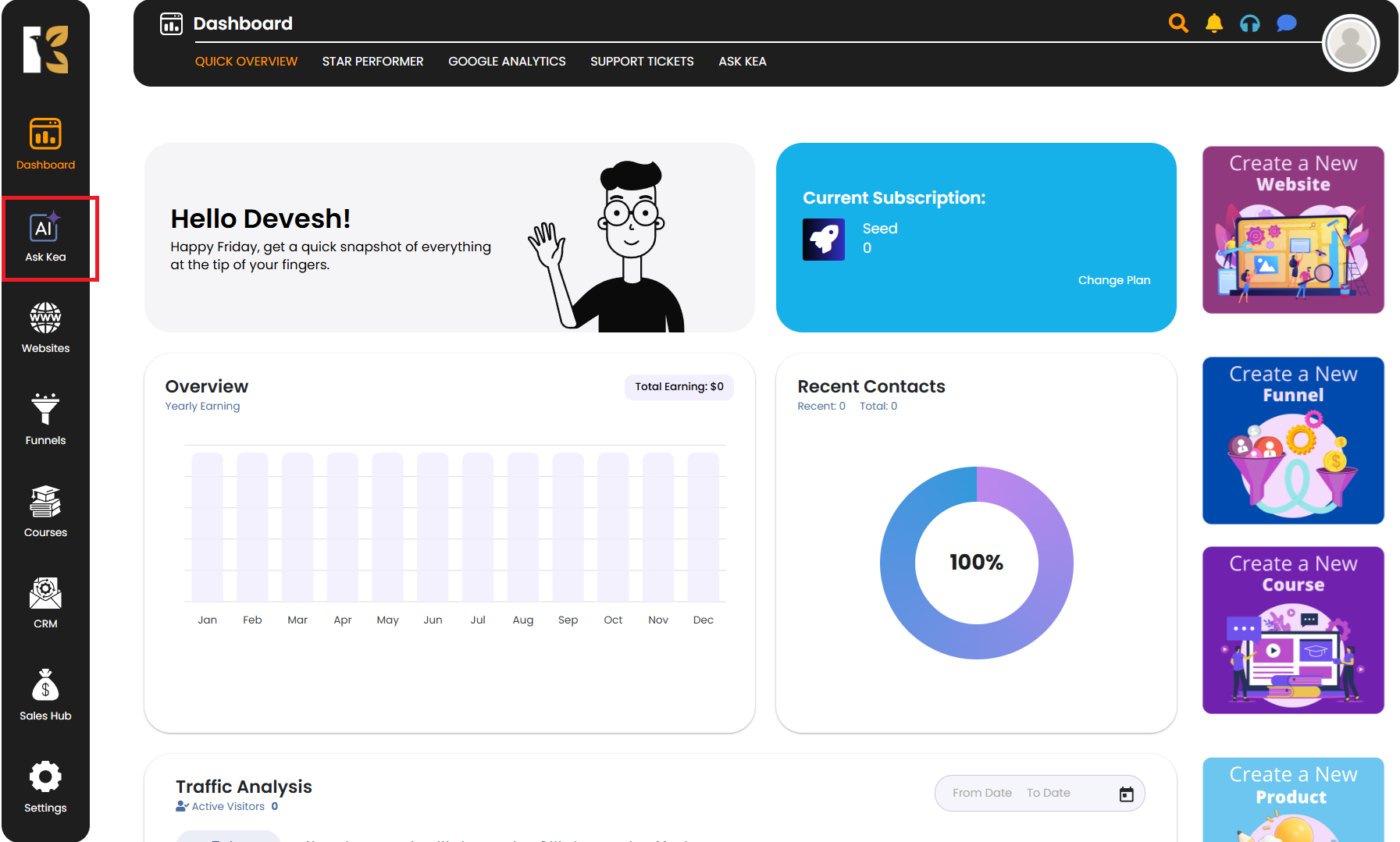
From the Vertical Menu on the left-hand side, scroll down and click on Ask Kea.
This will open the dedicated AI Assistance section inside KeaBuilder — your personal space to interact directly with Kea’s built-in Artificial Intelligence system.
Explore the Ask Kea Interface
Once inside the Ask Kea section, you’ll find a clean, user-friendly chat interface. Here, you can engage in one-on-one interaction with AI, where you can:
- Ask questions related to building websites, funnels, automations, or integrations.
- Seek expert-level guidance for improving your designs or conversion strategy.
- Brainstorm ideas and get tailored suggestions from AI Kea.
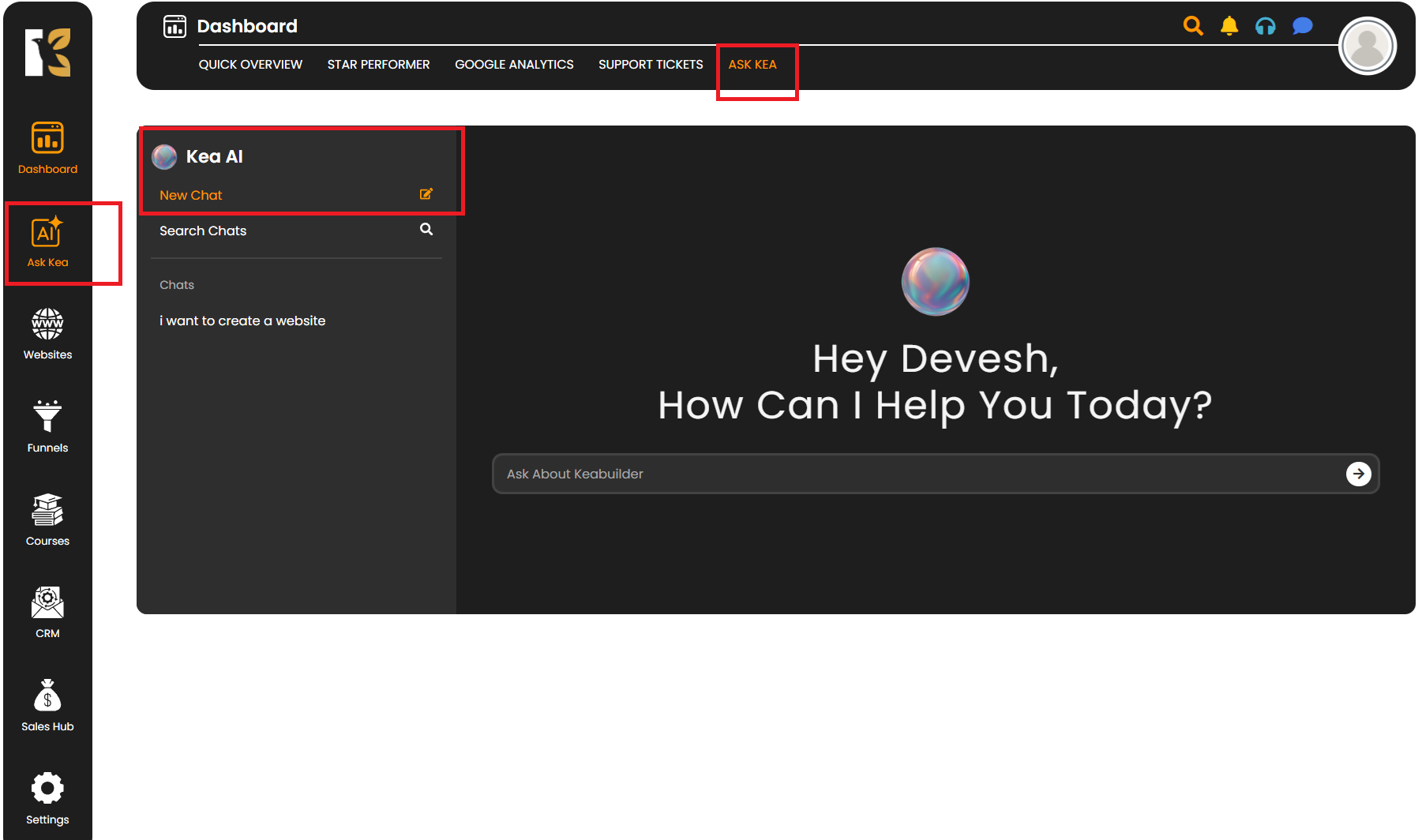
This interaction feels like having a personal coach or consultant available anytime — ready to walk you through every step of your creative process.
Start a New Chat
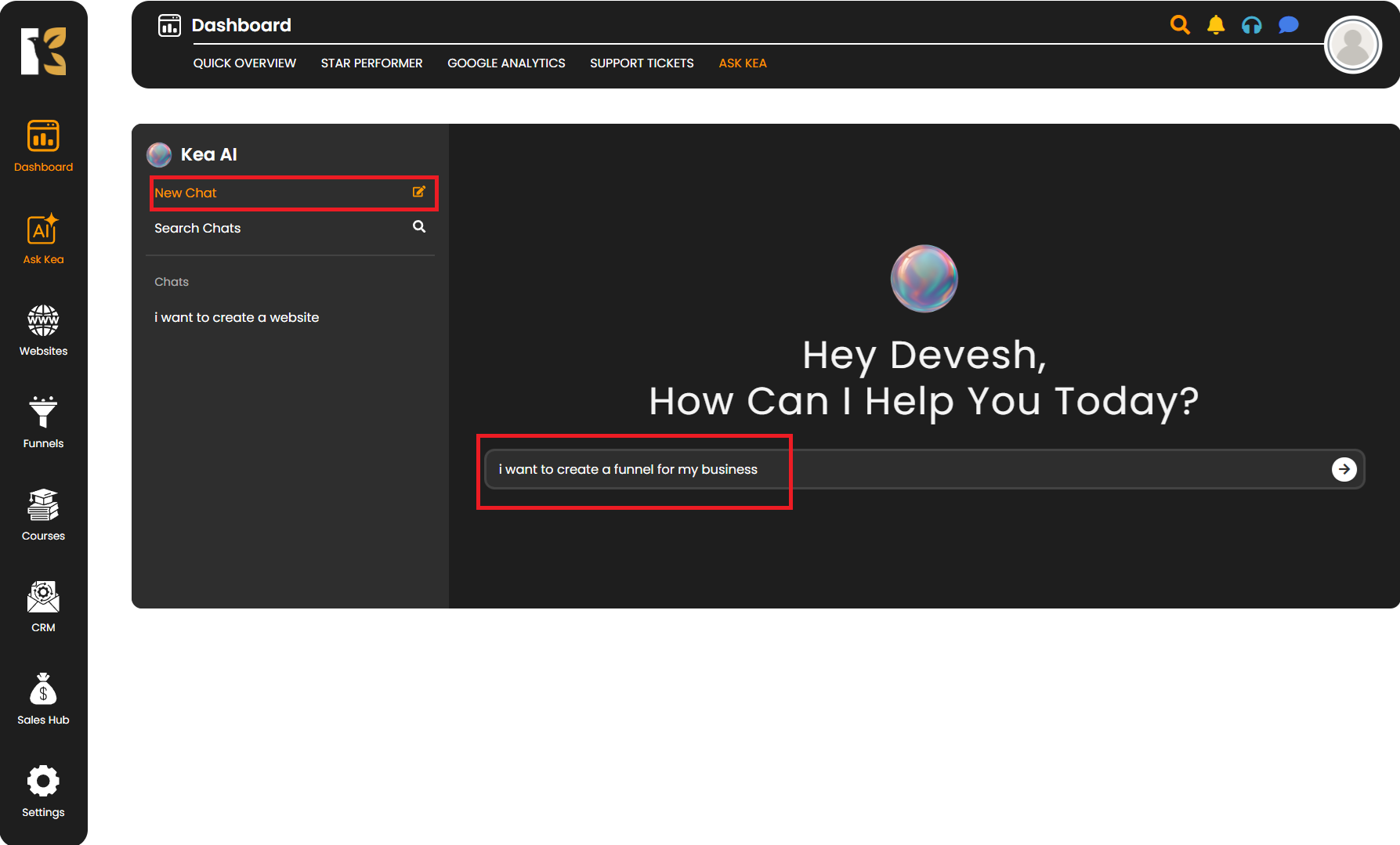
Click on “New Chat” to initiate your conversation with Kea AI. In the chat box, simply type your question or request. For example:
I want to create a new funnel for my fitness business.
AI Kea will then respond with detailed step-by-step guidance or ask clarifying questions to understand your exact goal.
It may also provide strategic recommendations — such as which funnel type suits your business, what pages to include, and how to structure your offer for best results.
Follow AI’s Step-by-Step Instructions
Once AI Kea understands your query, it will display clear, actionable steps you can follow to build your website or funnel effectively. For example, it might guide you through:
- Choosing a suitable template
- Adding and customizing pages
- Integrating payment gateways
- Setting up automations or email sequences
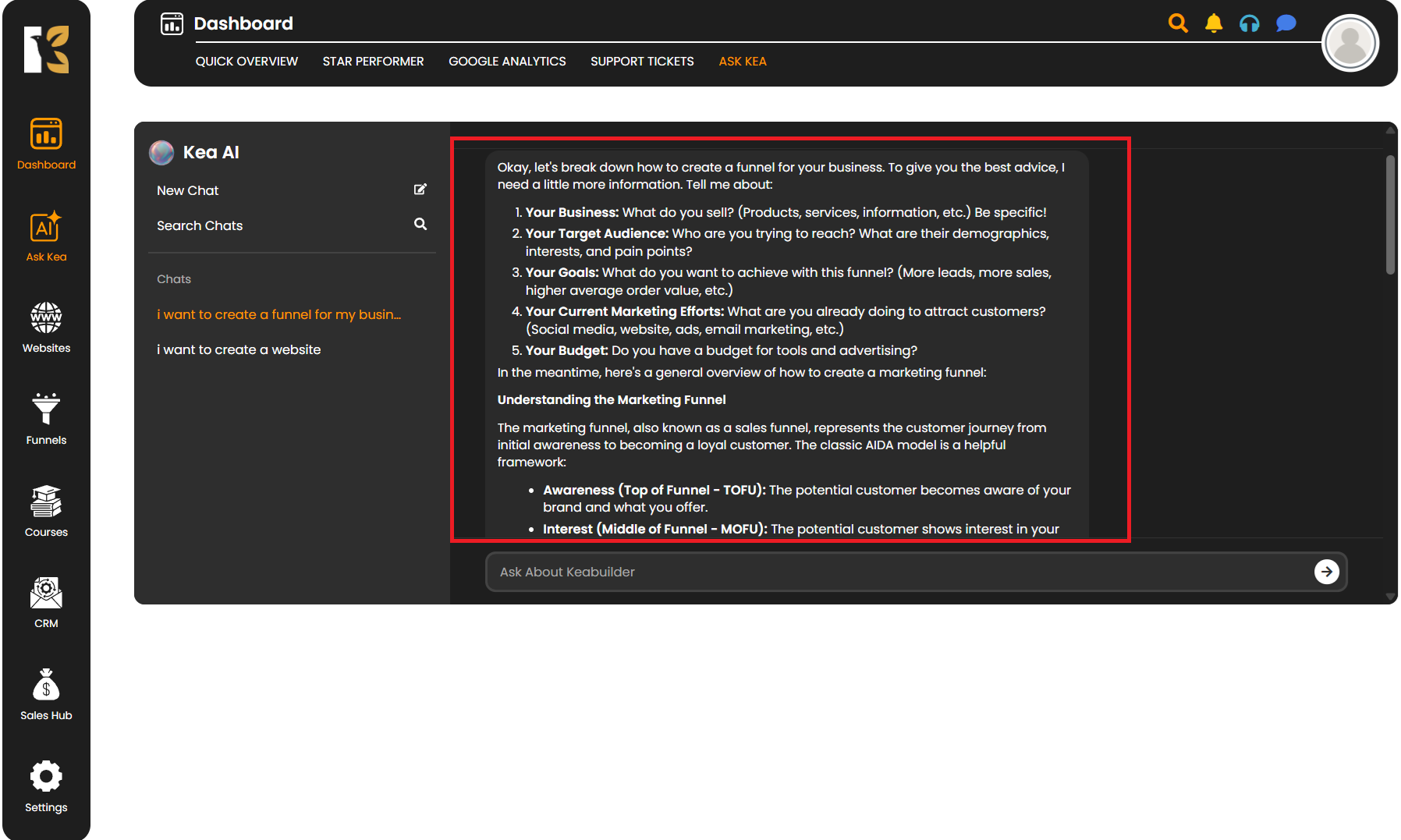
This interactive, one-on-one conversation allows you to ask follow-up questions and receive tailored solutions — just like a personal assistant helping you in real time.
Review Old Chats and Continue Previous Conversations
For returning or existing users, KeaBuilder’s AI feature allows you to revisit your previous chats or searches anytime. This means you can:
- Continue from where you left off in a past conversation
- Review earlier suggestions or strategies shared by AI
- Reuse previously generated instructions for new projects
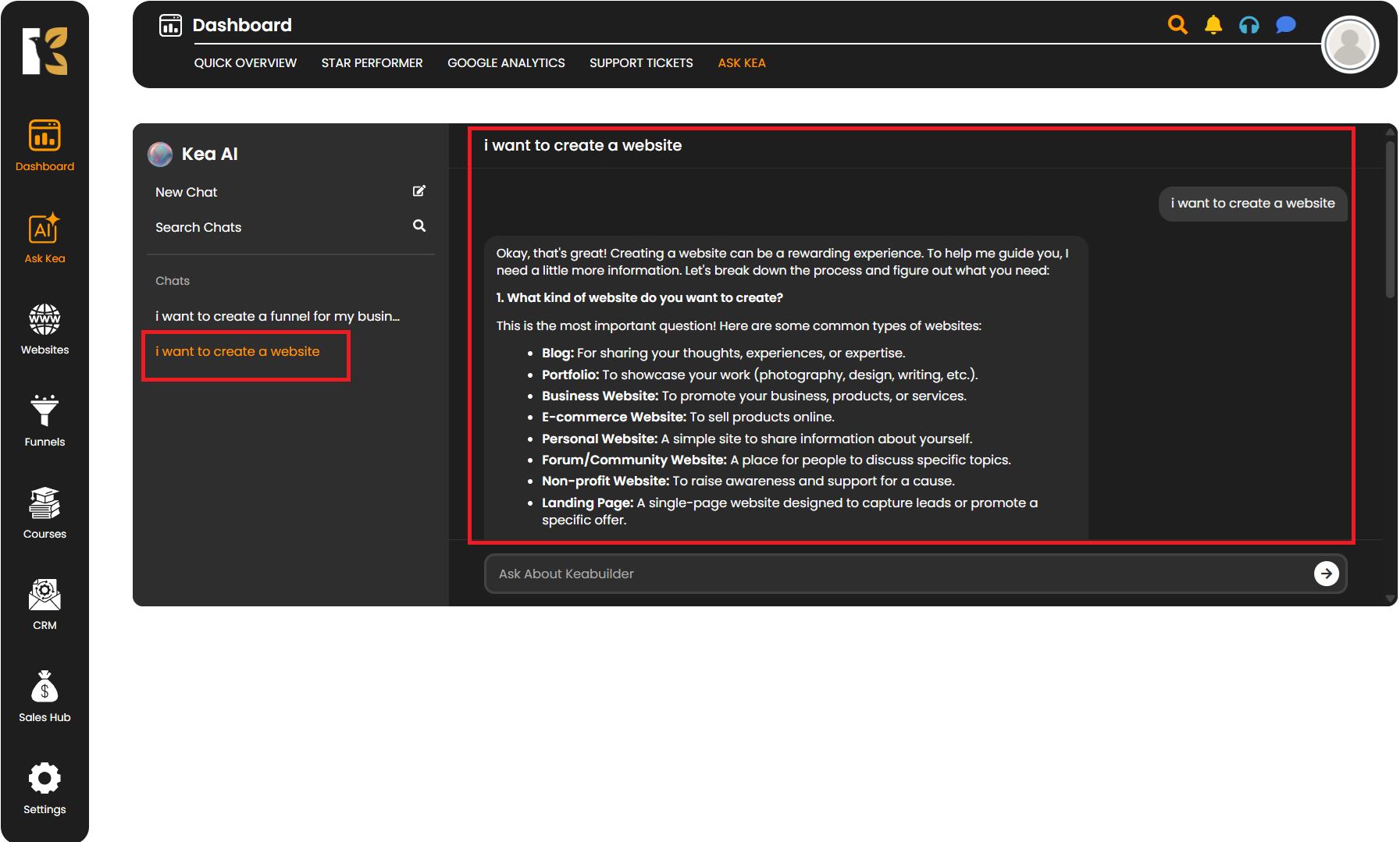
This feature is especially useful for ongoing funnel or website projects, ensuring continuity and saving time by eliminating the need to start from scratch.
Apply AI’s Recommendations
Once you’ve received AI’s instructions, you can directly implement them within your KeaBuilder dashboard. You can follow the provided steps to design, structure, and publish your website or funnel exactly as suggested. Whether you’re working on your first project or enhancing an existing one, AI Kea ensures you always have a clear direction and expert guidance throughout your creative journey.
Pro Tips for Using Kea AI Effectively
- Be specific with your questions: The clearer your query, the more precise and actionable AI’s responses will be.
- Use AI for brainstorming: Discuss ideas, naming, layouts, or strategy — Kea AI is designed for intelligent brainstorming.
- Review your past chats regularly: This helps you track your progress and apply previously shared insights.
- Ask follow-up questions: Don’t hesitate to clarify or expand on AI’s suggestions for deeper understanding.
- Implement and test: Always apply AI’s steps and test your pages/funnels for best results.